Login to the Google ads account
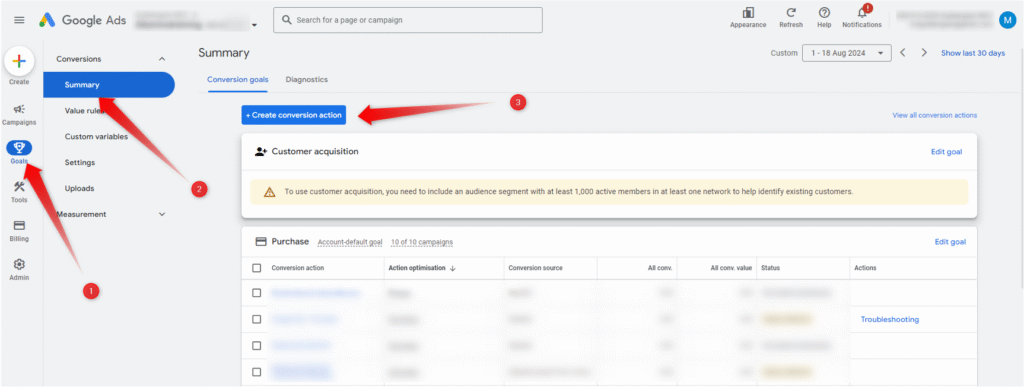
Go to conversions summary and click on create conversion action
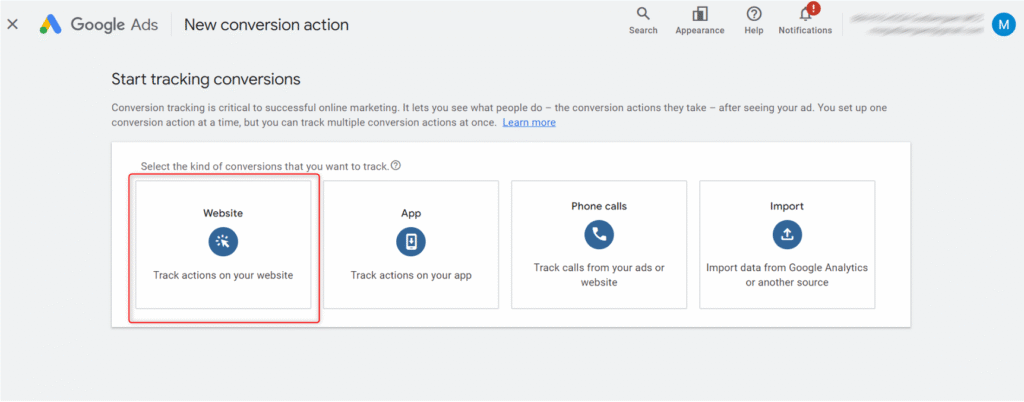
Choose website
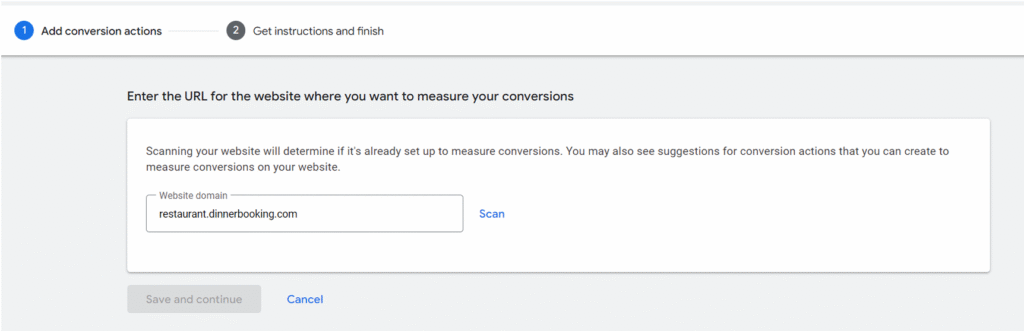
Add your website URL and click save and continue
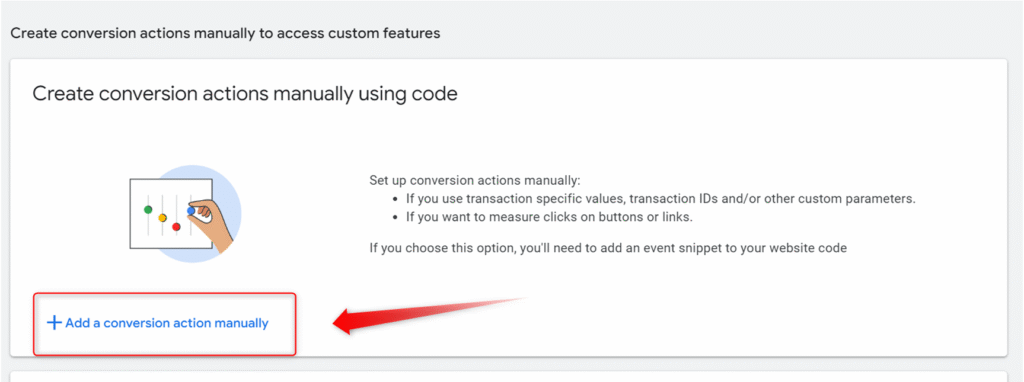
Click on “Add new conversion action manually”
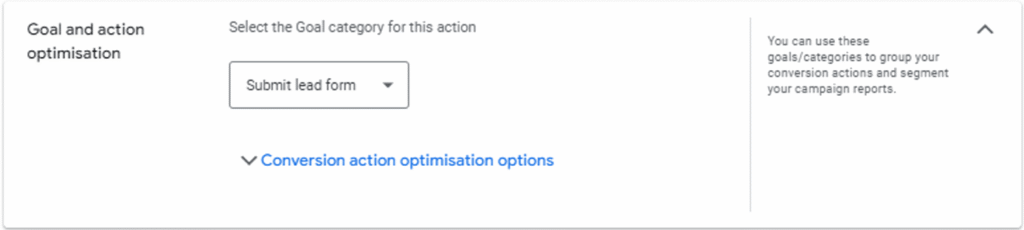
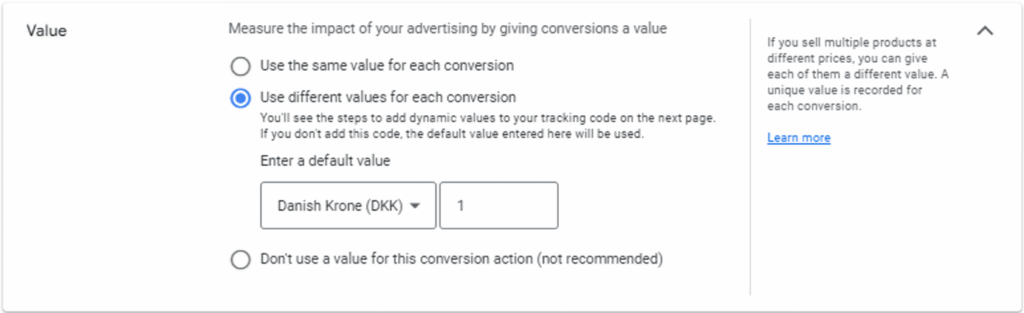
Set up your preferred setting for conversions


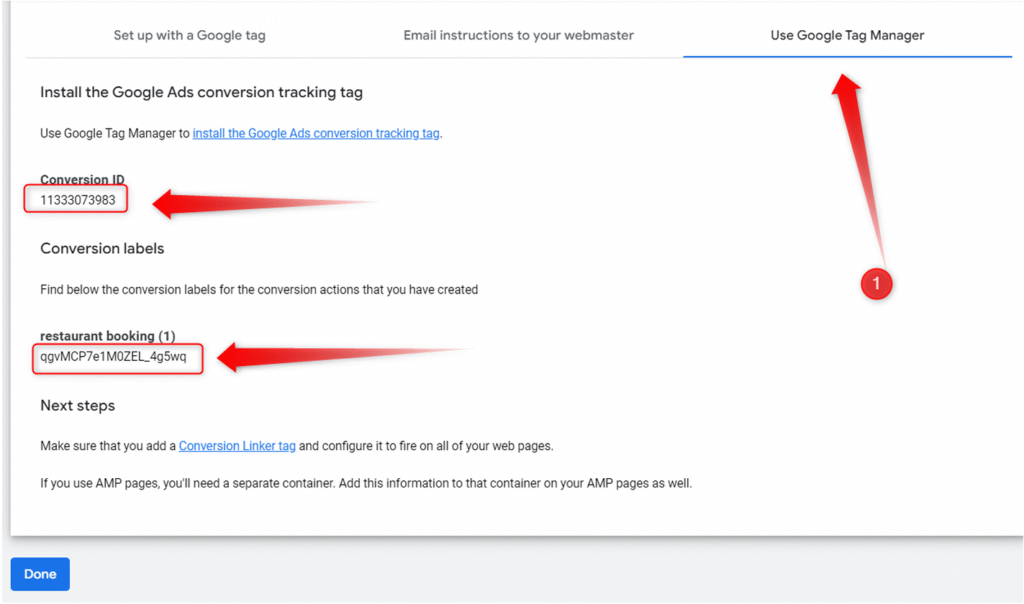
Choose Google tag manager and save conversion ID and Conversion label
Setup GTM
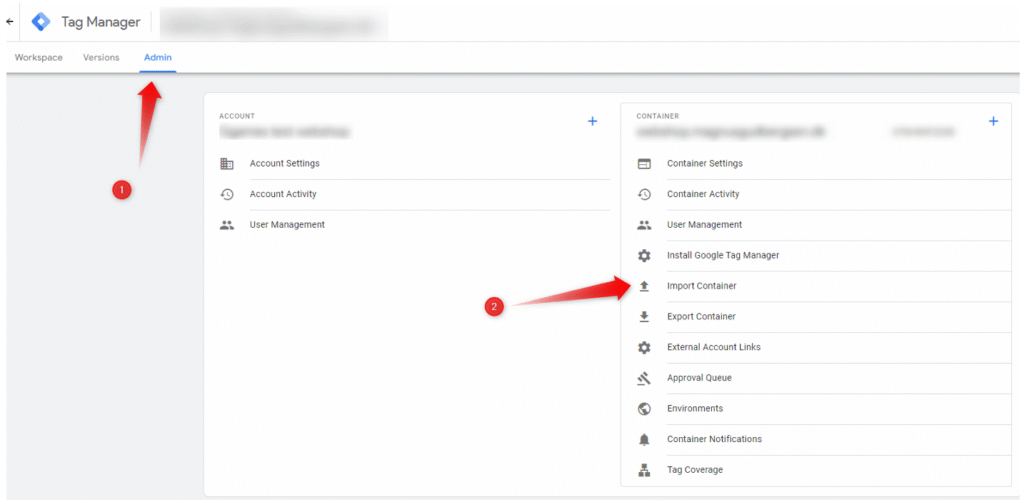
Go to admin > import container
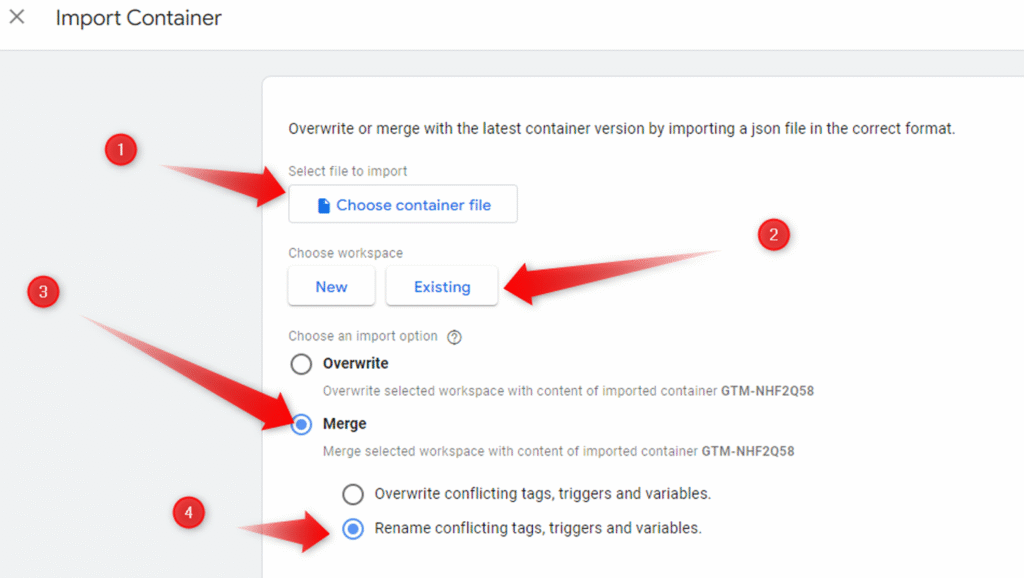
Import container file and merge with current
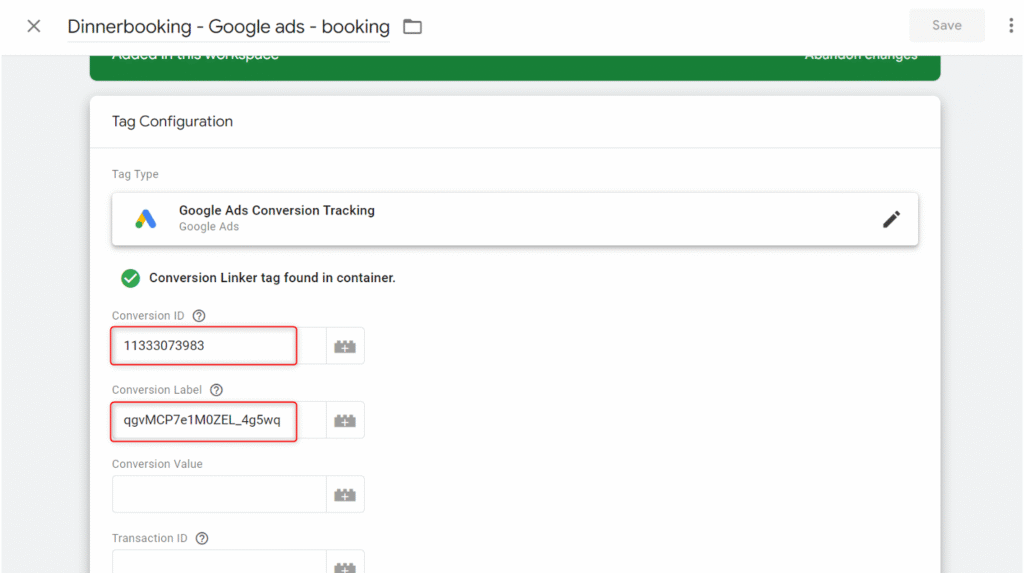
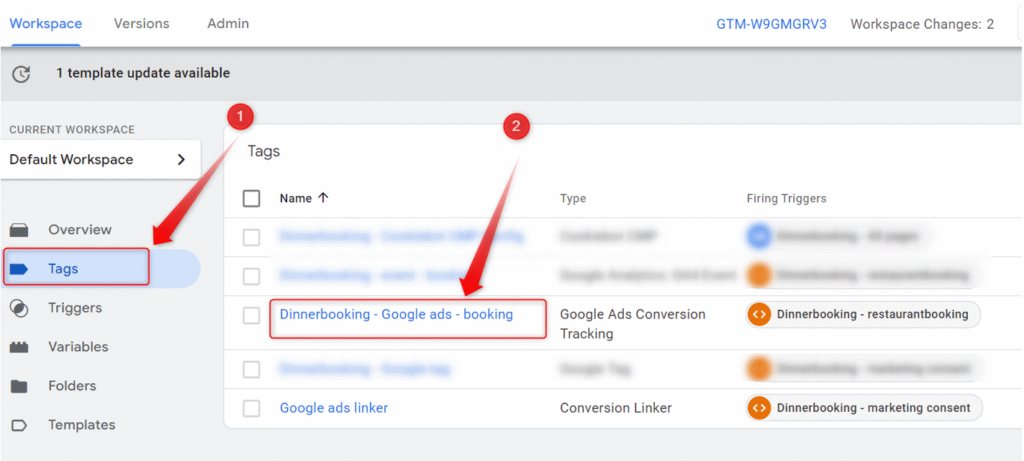
Go to tags and click on tag called “Dinnerbooking- Google ads- booking”
Insert Conversion ID and Conversion label from the Google ads steps