
A guide on how to close a single day.
To close down a longer period, please click here
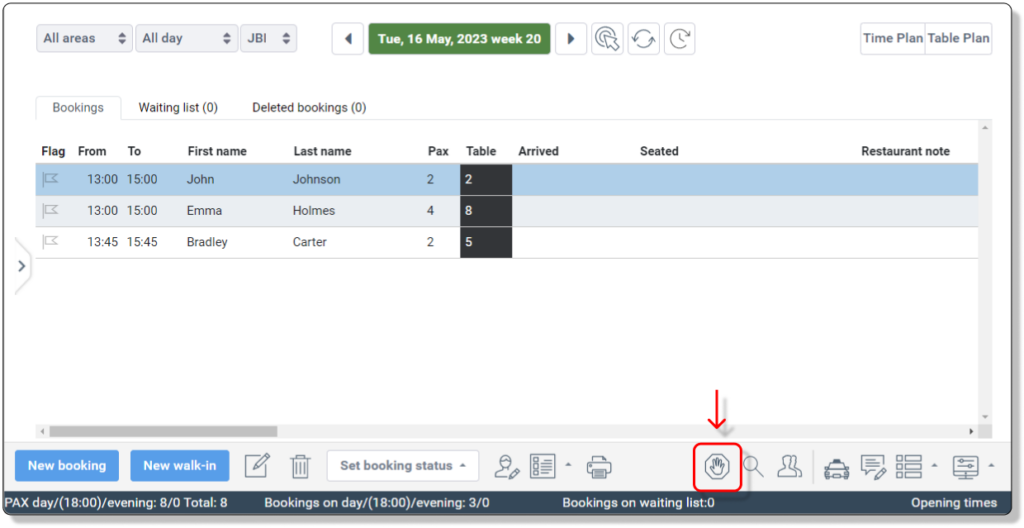
Click on the stop sign in the bottom right corner.
By default the system is set to close Only Online and All Areas.
Online only closes the online booking Internal and online also closes the option to do internal bookings
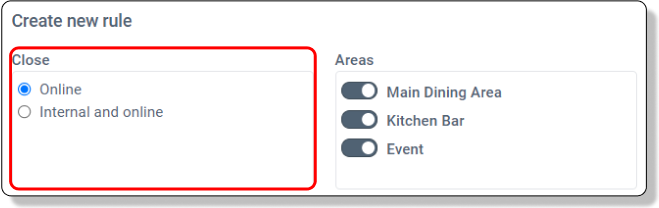
By default the system is set to close Only Online and All Areas.
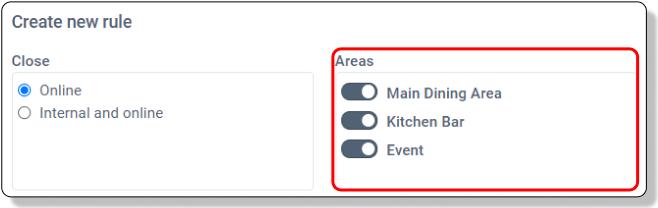
Uncheck areas to keep those open
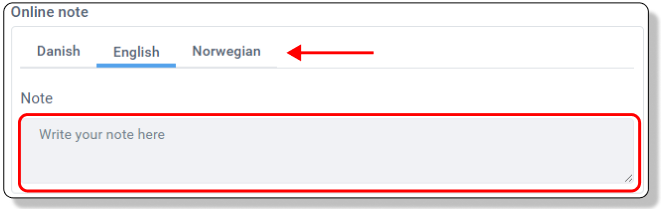
Optional you can add a note and inform your guests why the day is closed.
Remember to use the language tabs to add the note in your available languages.
The red line indicates the interval you are closing
Drag the times to the sides to increase the closing time.

Save the closing times by clicking ‘Save’